Air Mouse for PC/iOS/Android with Touchpad Rechargeable Wireless Presentation for PPT Pointer Bluetooth 2.4G Remote Control

Air Mouse for PC/iOS/Android with Touchpad Rechargeable Wireless Presentation for PPT Pointer Bluetooth 2.4G Remote Control

Regular price £24.00
Sale price £24.00 Regular price
SAVE Liquid error (snippets/price line 119): Computation results in '-Infinity'% Sold out
 
Ships Within 24 Hours
30-Day Return Guarantee
24/7 Customer Support
Secure Payments (SSL & PCI DSS)
  • American express payment method American Express
  • Apple pay payment method Apple Pay
  • Bancontact payment method Bancontact
  • Diners club payment method Diners Club
  • Discover payment method Discover
  • Google pay payment method Google Pay
  • Klarna payment method Klarna
  • Maestro payment method Maestro
  • Master payment method Mastercard
  • Shopify pay payment method Shop Pay
  • Unionpay payment method Union Pay
  • Visa payment method Visa
 
Air Mouse for PC/iOS/Android with Touchpad Rechargeable Wireless Presentation for PPT Pointer Bluetooth 2.4G Remote Control

Air Mouse for PC/iOS/Android with Touchpad Rechargeable Wireless Presentation for PPT Pointer Bluetooth 2.4G Remote Control

Regular price £24.00
Sale price £24.00 Regular price
SAVE Liquid error (snippets/price line 119): Computation results in '-Infinity'% Sold out
View full details
Grey wireless presentation clicker with touchpad and receiverOne handheld control
for more of your day

Present · Navigate · Scroll

Move from slides to screen time.

A slim wireless clicker that pairs a touchpad with slide controls and a red laser pointer—then stays useful for everyday browsing and short-video scrolling.

Uses the color and quantity selected in the product options.
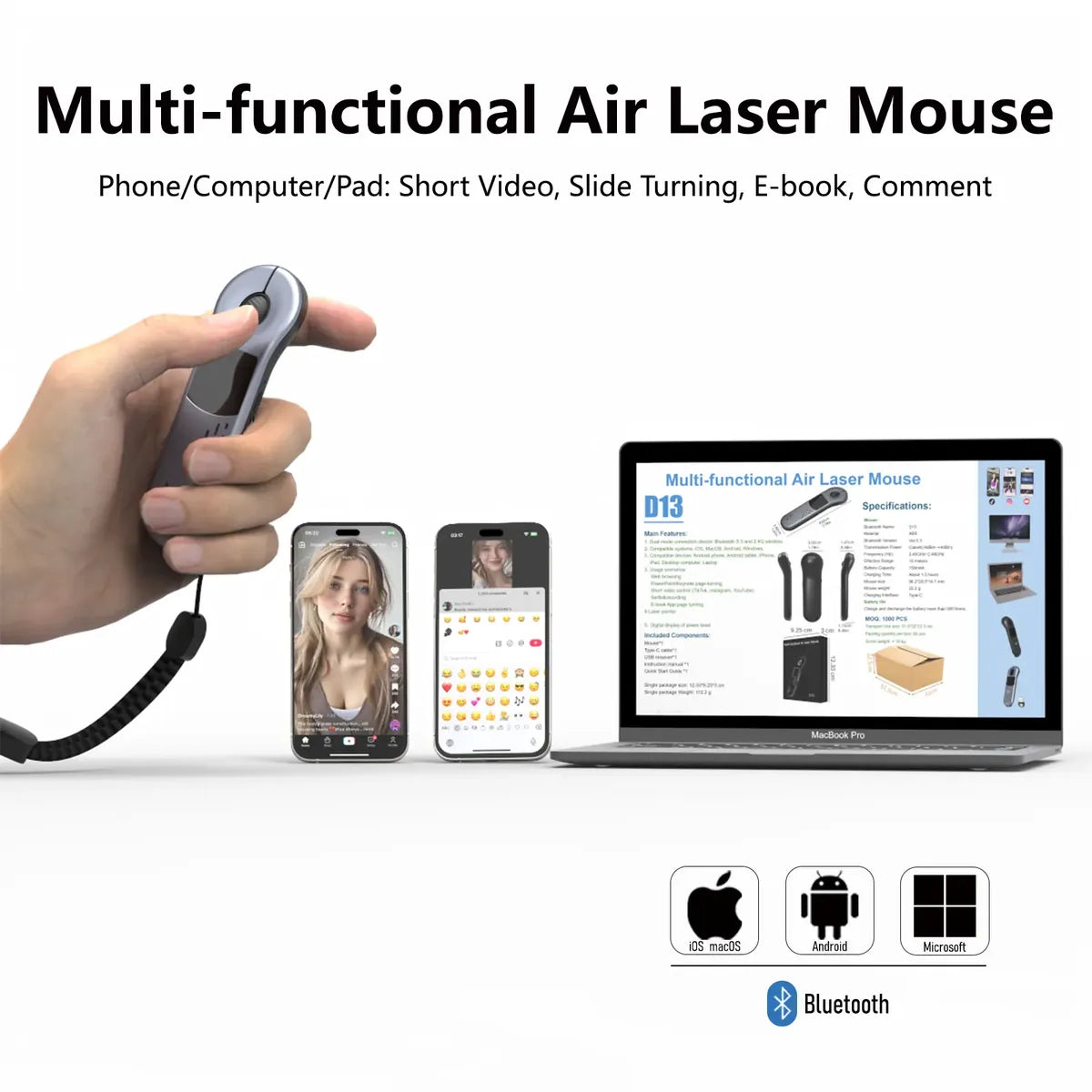
Touchpad controlMove the cursor, click and scroll
Red laser pointerCall attention to a point in the room
Bluetooth + receiverWireless options for supported devices
RechargeableUSB charging cable included
Handheld touchpad clicker used with a phone and computer

More than next slide

Your cursor, away from the desk.

Navigate a presentation, open a link or browse from a comfortable position without returning to a traditional mouse each time.

01
Guide the pointerUse the built-in touchpad for cursor movement, clicking and scrolling.
02
Keep slides movingUse the handheld controls while you speak, teach or share ideas.
03
Highlight key momentsThe red laser pointer helps direct attention during in-person presentations.

One tool, different moments

Work mode. Browse mode.

Keep familiar controls close whether you're presenting, navigating a laptop or relaxing with a phone.

01 / PRESENT

Stay with your audience.

Move through slides and point out details without staying beside the computer.

02 / NAVIGATE

Use the touchpad.

Move the cursor, click and scroll on supported devices from a handheld controller.

03 / UNWIND

Keep scrolling.

Browse short videos or photos without repeatedly reaching for the screen.

Choose your finish

Grey or Black.

Both colors are available in the product options above. Select your color before adding to cart.

Grey wireless presentation clicker
Grey

A lighter finish with the same compact handheld shape.
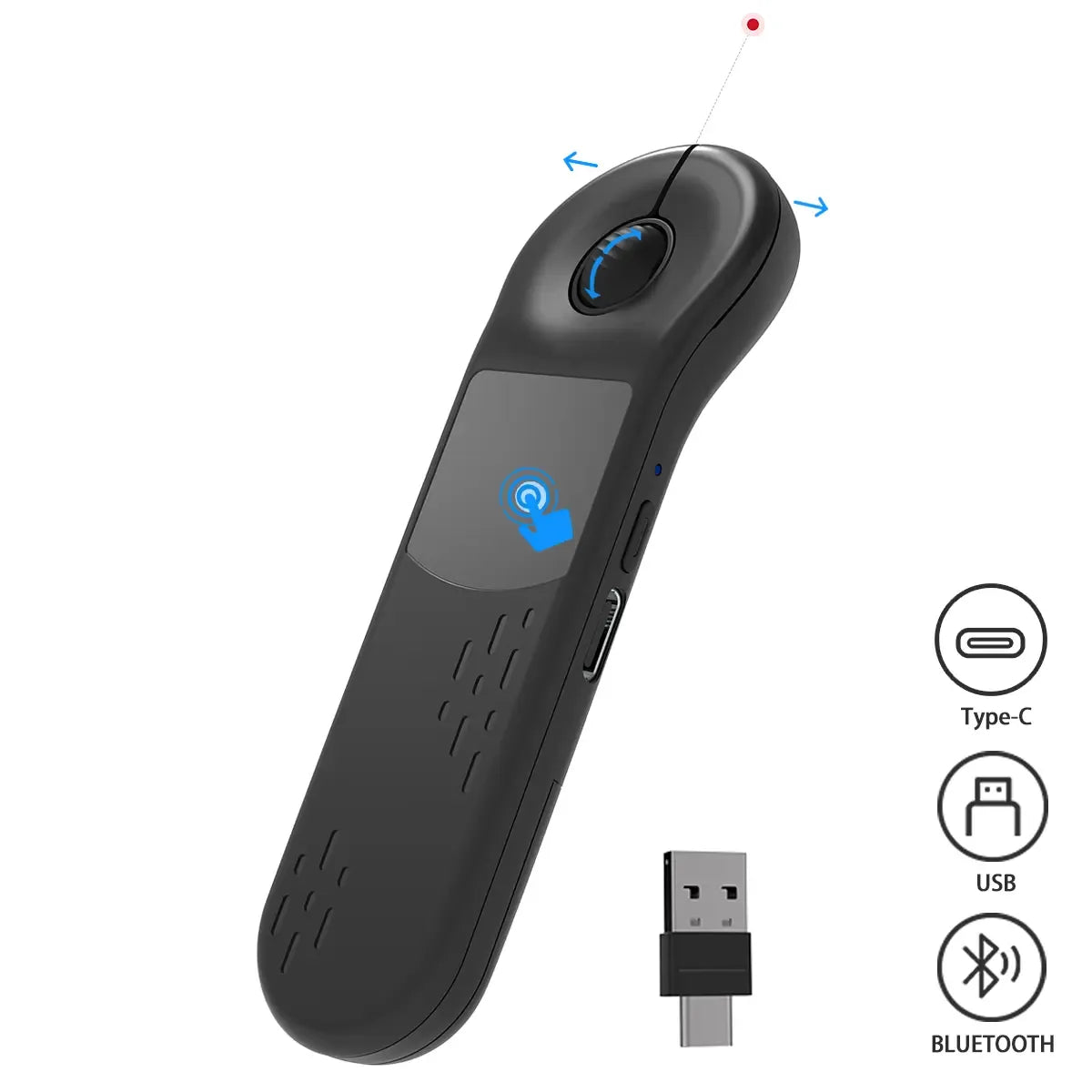
Black wireless presentation clicker
Black

A darker finish for a low-key desk or presentation setup.

Connection behavior depends on your device and setup. Use Bluetooth on compatible mobile devices or the included receiver with a compatible computer.

Getting connected

Set up for your device.
1
Charge firstUse the included USB cable and allow the device to charge before pairing.
2
Choose a connectionPair through Bluetooth on supported devices, or use the USB-A/USB-C receiver where applicable.
3
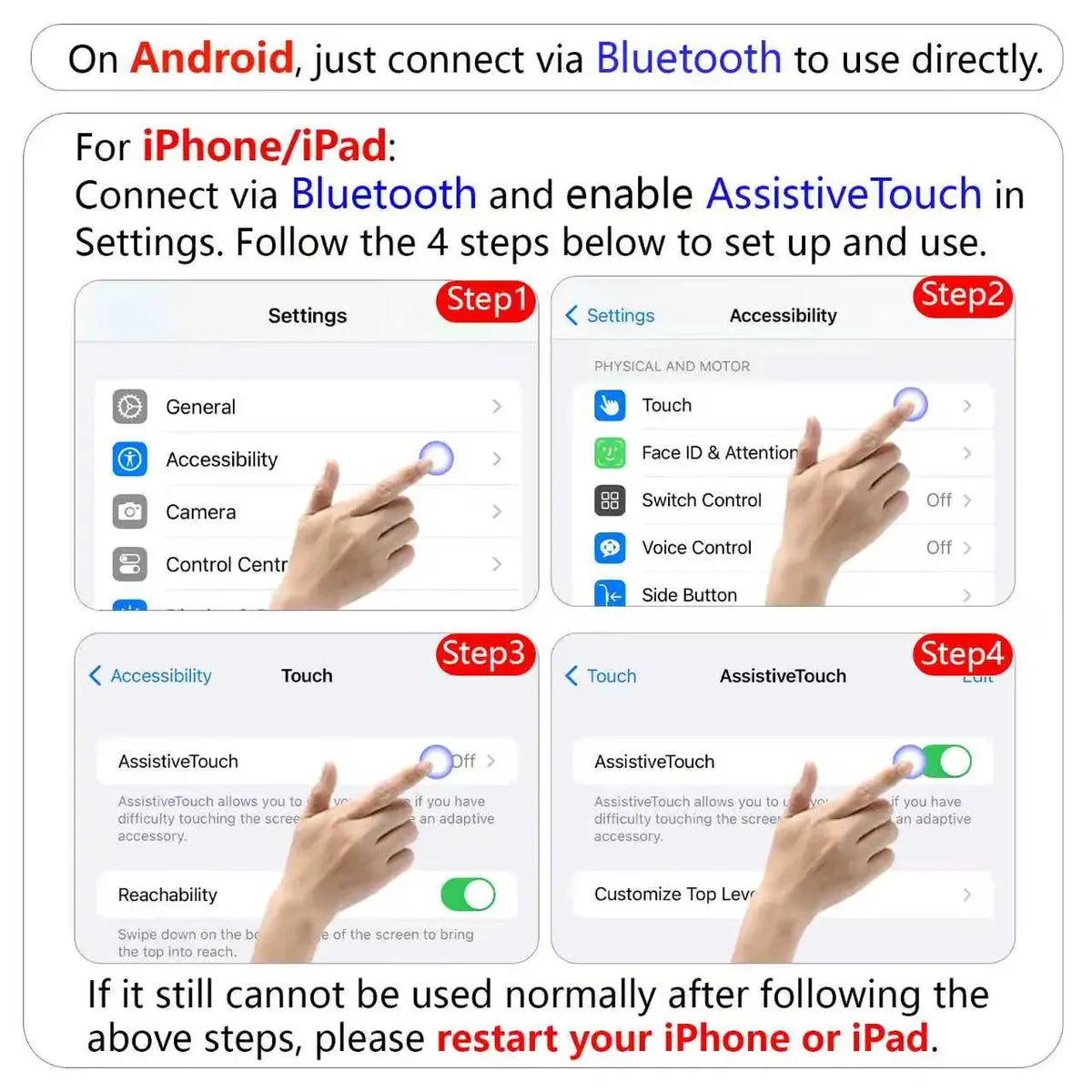
Adjust your pointerOn iPhone or iPad, turn on AssistiveTouch after pairing. Pointer speed can be adjusted in device settings.
Bluetooth and AssistiveTouch setup instructions for Android and iPhone

In the box

Ready to connect.

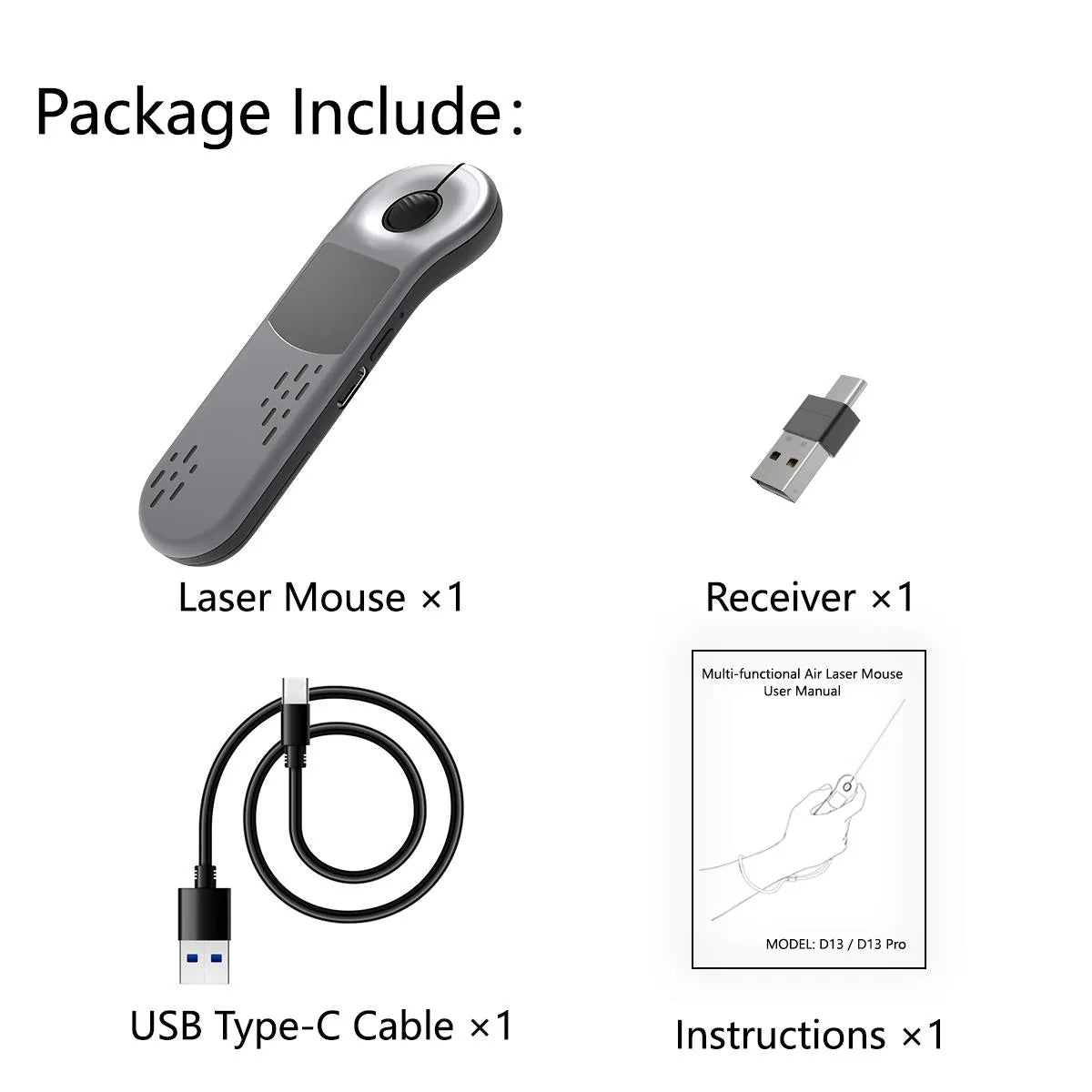
The package includes the presenter, a two-in-one receiver, a charging cable and an English user manual.

  • 1 × touchpad presenter with red laser pointer
  • 1 × USB-A / USB-C receiver
  • 1 × USB charging cable
  • 1 × English user manual
Presentation clicker package contents: device, receiver, cable and instructions

Good to know

Frequently asked.

How do I use it with an iPhone or iPad?
Pair the device over Bluetooth, then enable AssistiveTouch in your iPhone or iPad settings. You can adjust tracking sensitivity to suit your hand movement.
Where is the 2.4G receiver?
The receiver is stored in a compartment on the back of the device. Slide open the back cover to remove it.
Can I adjust the cursor speed?
Yes. Adjust Tracking Sensitivity in iOS settings or Pointer speed in Android settings.
Does it need charging?
Yes. The clicker is rechargeable and includes a USB charging cable.
What if it stops responding?
Recharge the device and reconnect Bluetooth. On iPhone or iPad, check AssistiveTouch if pointer control is not responding.